

We'll discuss your goals, current challenges, and how our process can help to drive real business growth.
YouTube
Top 7 AI YouTube Thumbnail Generators (Updated for 2026)
Pritesh Jagtap
March 18, 2026
10 min
TABLE OF CONTENTS
AI YouTube thumbnail generators let you design, iterate, and test more thumbnail variations in less time, so your channel can find what drives clicks faster and scale what works.
The 7 best AI thumbnail generators in 2026 are:
- Nano Banana (Gemini): Fastest iteration, strong text rendering, free to start
- Freepik: Best for teams already using stock assets
- Seedream: High-volume batch generation with accurate text rendering
- 1of10: Data-driven concepts trained on niche-specific viral patterns
- Thumbmagic: Purpose-built for YouTube, video-to-thumbnail in minutes
- Flux: Photorealistic image quality for premium brand content
- Midjourney: Cinematic, editorial-grade visuals for design-forward channels
But getting a thumbnail designed is no longer the hard part. AI tools have made execution faster than ever. The real bottleneck now is the creative layer: knowing which concepts to test, which visual formats perform in your niche, and generating enough variations to let the data decide.
That is where the right AI YouTube thumbnail generator makes a difference. It does not just speed up design. It enables a higher volume of creative experiments, so you can test more visual angles, learn what your audience responds to, and build a thumbnail system that consistently improves CTR.
The tools on this list fall into two categories. Purpose-built YouTube thumbnail generators like Thumbmagic and 1of10 handle the end-to-end workflow, from video input or niche analysis to a download-ready image. AI image generation models like Flux, Midjourney, and Nano Banana (Gemini) produce the raw visual assets, which you then composite and finalize in a design tool like Canva or Photoshop.
For each of the 7 tools below, you will find what it does well, who it is best suited for, where it falls short, and current pricing so you can match the right generator to your workflow and budget.
1. Nano Banana (Google Gemini Image Generation)
"Nano Banana" is the popular creator community nickname for Google's Gemini image generation capability, specifically Gemini 2.5 Flash Image. It is not a standalone tool or an official Google product name, but it has become one of the most widely referenced AI image models for thumbnail creation in 2026.
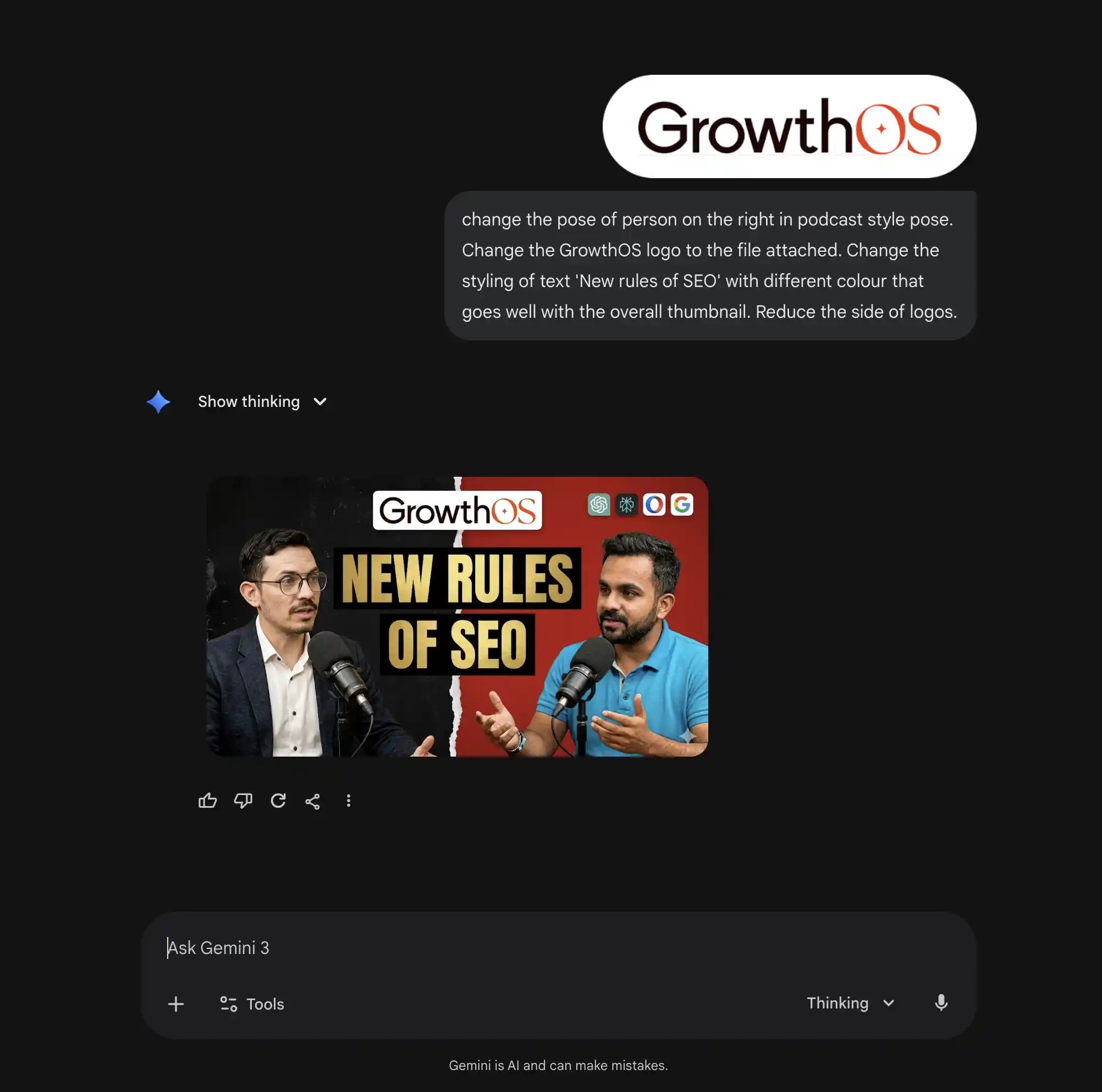
What makes it relevant for YouTube thumbnail designs is a combination of speed, text rendering accuracy, and the ability to handle detailed compositional prompts.
Nano Banana Pro achieves approximately 94% text rendering accuracy, compared to 60 to 70% in most competing models, which is a meaningful difference when your thumbnail relies on readable on-image text.
It is also among the fastest high-resolution image generators available, which matters when you are running multiple prompt iterations to develop A/B test variants.
Key features:
- Text-to-image generation with strong prompt adherence and compositional control
- Approximately 94% text-rendering accuracy, making on-image text legible at mobile thumbnail sizes
- Works natively inside the Gemini app, Google AI Studio, or via API
- Supports explicit aspect ratio and safe-area specifications in prompts (example: "16:9, 1280x720, clear text zone on left third")
- Generates multiple image variants per prompt for testing purposes
- Fast generation speed, producing results in seconds
Pricing:
Free via the Gemini app (3 to 5 generations per day).
Google AI Pro is available at $19.99 per month for higher volume.
API access is available for teams running batch generation workflows.
Works best for: Content teams and channel managers who want to generate a high volume of thumbnail concepts fast, run structured A/B tests across multiple visual angles, and do not need a drag-and-drop design interface inside the tool.
Limitations:
- Not a standalone thumbnail tool. Outputs need to be finalized in a design tool for text overlays, branding, and layout changes.
- Requires well-constructed prompts to consistently hit YouTube-specific composition requirements.
- Free tier limits daily generations, which can slow down high-volume testing workflows.
2. Freepik AI Image Generator
Freepik has evolved from a stock asset library into an AI creative suite. Its AI image generator is now powered by multiple underlying models, including Flux and its own proprietary Mystic model, giving users a choice of output style and quality level from a single interface.
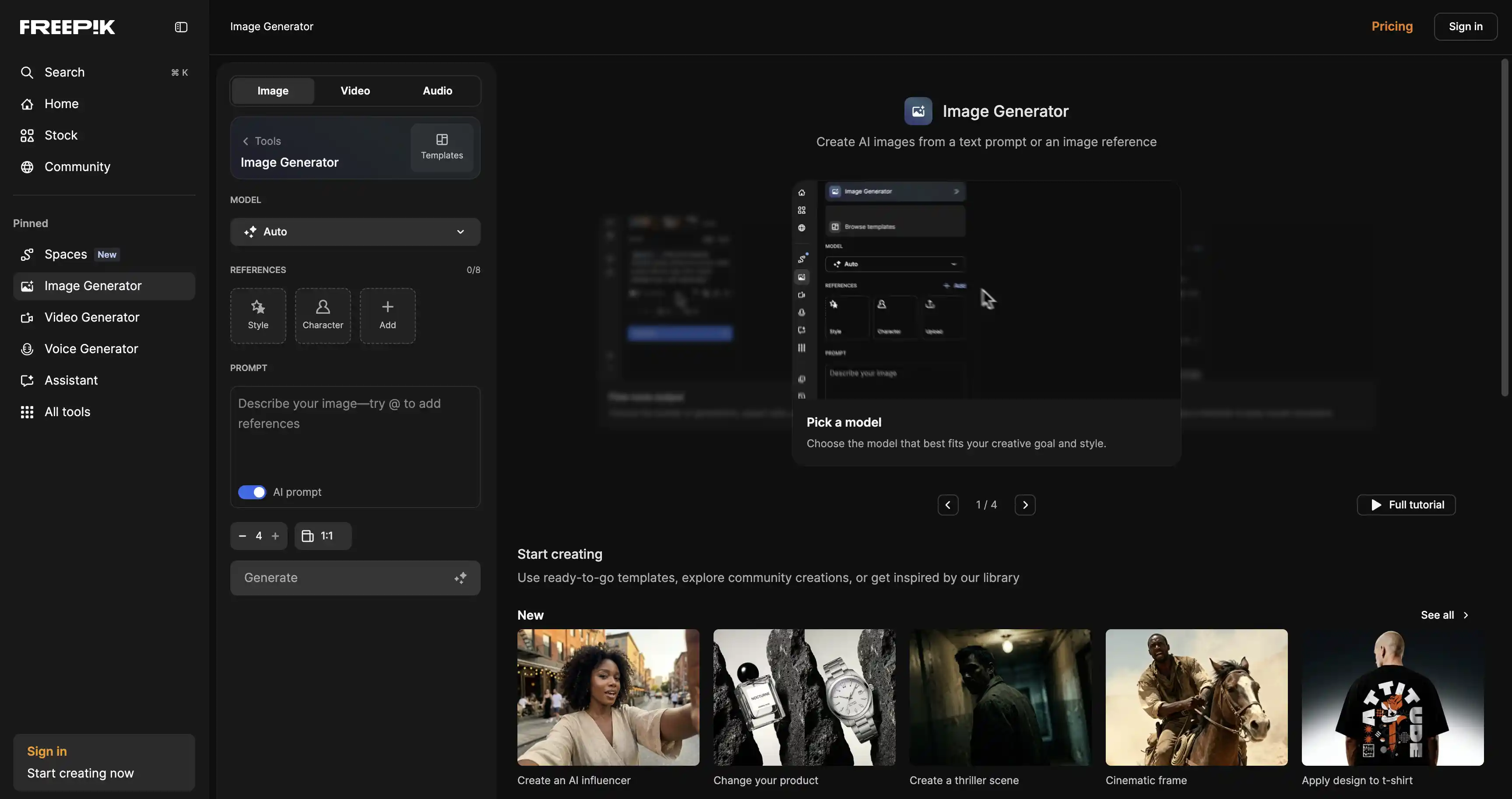
For content teams already using Freepik for stock graphics, templates, or design assets, the AI generator removes the need to manage a separate tool.
The generator supports a wide range of image styles, including photo, digital art, 3D, and illustration, which gives it flexibility across thumbnail formats, whether your channel is educational, cinematic, lifestyle, or brand-driven.
The integration with Freepik's library of 200 million-plus assets means you can layer AI-generated visuals with existing stock elements inside the same workspace.
Key features:
- Multiple AI model options, including Mystic, Flux.2 Pro, and Seedream, each with different aesthetic outputs
- 20 free AI image generations per day on the free plan (auto model only)
- Style selector covering digital art, painting, 3D, anime, and more
- Permutation prompts: generate multiple style variations from a single text input
- Integrated directly with Freepik's stock library and editing tools
- Supports commercial use on paid plans
Pricing:
The free plan includes 20 generations per day (auto model only).
Paid plans start from approximately $10 for 8,000 credits.
Works best for: Designers and creative teams who are already in the Freepik ecosystem and want to combine AI-generated assets with stock visuals and templates in a single workflow.
Limitations:
- Free plan restricts access to specific models like Mystic and Flux, limiting output quality
- Credit costs per generation are only visible after the image is created, making it difficult to budget in advance
- Outputs require compositing in a design tool before they are YouTube-ready
3. Seedream (ByteDance)
Seedream is ByteDance's AI image generation model family. Seedream 5.0, released in February 2026, is the current version and one of the most capable image generation models available for thumbnail asset creation. It introduced web search capabilities to the model, meaning it can generate images informed by current events, which is useful for news-driven or trending-topic channels. It also added spatial reasoning, allowing the model to better understand object relationships, lighting, and composition within a scene.
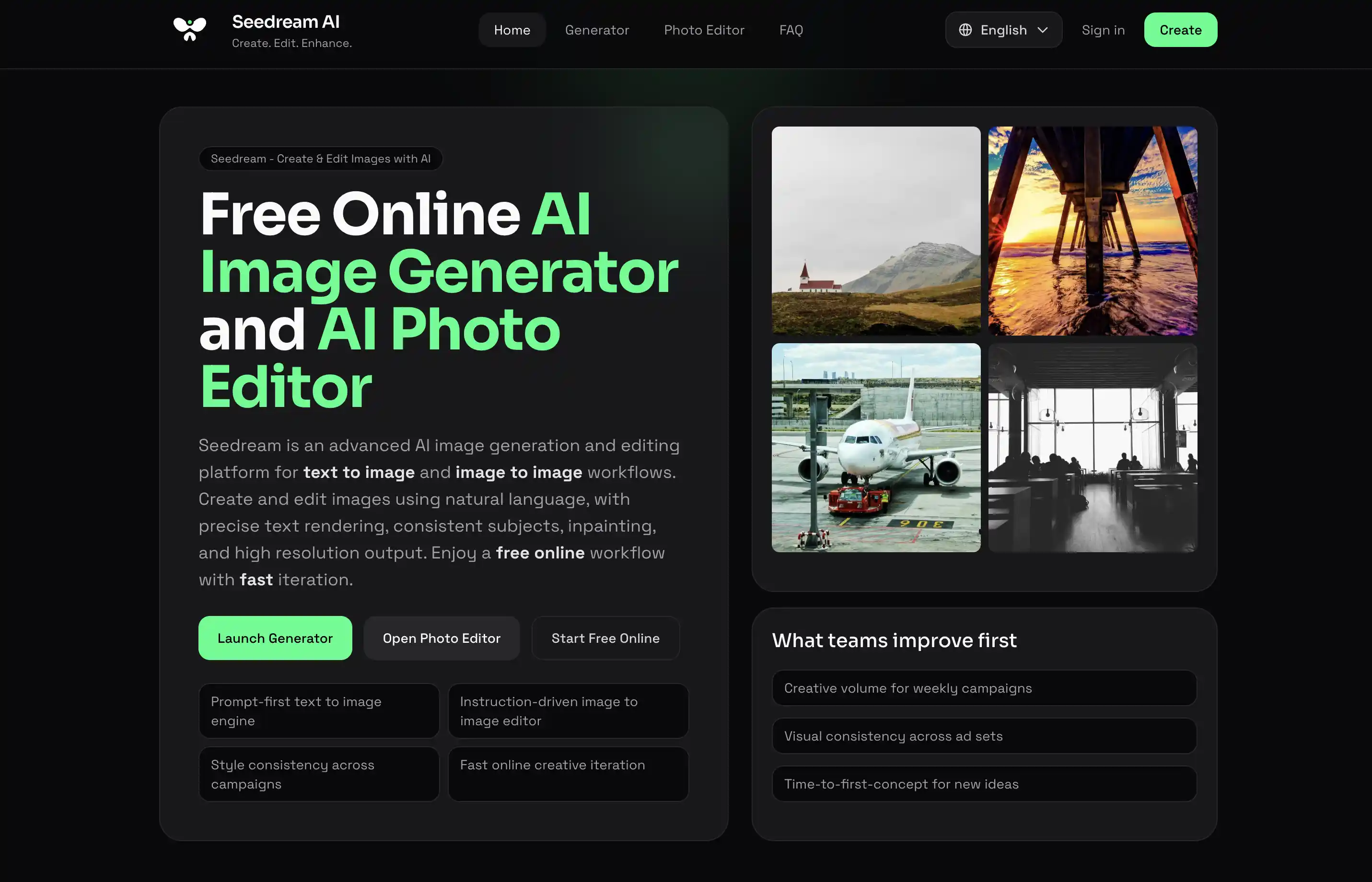
For thumbnail work specifically, Seedream has two standout qualities. First, its text rendering accuracy is one of the strongest in the category, meaning text you include in a prompt appears correctly spelled, styled, and legible in the generated output. Second, its batch generation capability allows teams to produce multiple consistent variants from a single prompt, which maps directly to A/B testing workflows.
Key features:
- Seedream 5.0 generates images up to 4K resolution, ready for both digital and print applications
- Strong text rendering accuracy, including support for varied font styles within the generated image
- Batch generation for creating multiple consistent variants from one prompt
- Spatial reasoning enables more accurate composition, lighting, and object placement
- Web search integration allows generation based on current events (new in Seedream 5.0)
- Supports image editing in addition to generation, allowing precise element changes without rebuilding the full design
- Benchmarked at #10 on the LM Arena leaderboard with a score of 1,147
Pricing:
Seedream 5.0 is accessible for free via Pippit AI with a limited free tier.
Paid access starts from approximately $4.99 per week via platforms like Overchat AI.
API access is available via WaveSpeedAI.
Works best for: Teams running high-volume thumbnail experiments, brands that need batch-consistent visual assets across multiple videos, and channels where legible on-image text is a core part of the thumbnail design.
Limitations:
- Not a YouTube-specific tool. Outputs need final compositing in a design tool.
- Availability and pricing vary depending on which platform you access it through, which adds friction for new users.
- As a relatively newer entrant, third-party benchmark testing is still limited compared to more established models.
5. Thumbmagic
Thumbmagic is one of the few tools on this list built exclusively for YouTube thumbnail creation. Where general-purpose design platforms treat thumbnails as one use case among many, Thumbmagic's entire product is structured around the YouTube thumbnail workflow: paste a video URL or upload a file, get multiple high-performing thumbnail variants in under a minute, and move to A/B testing.
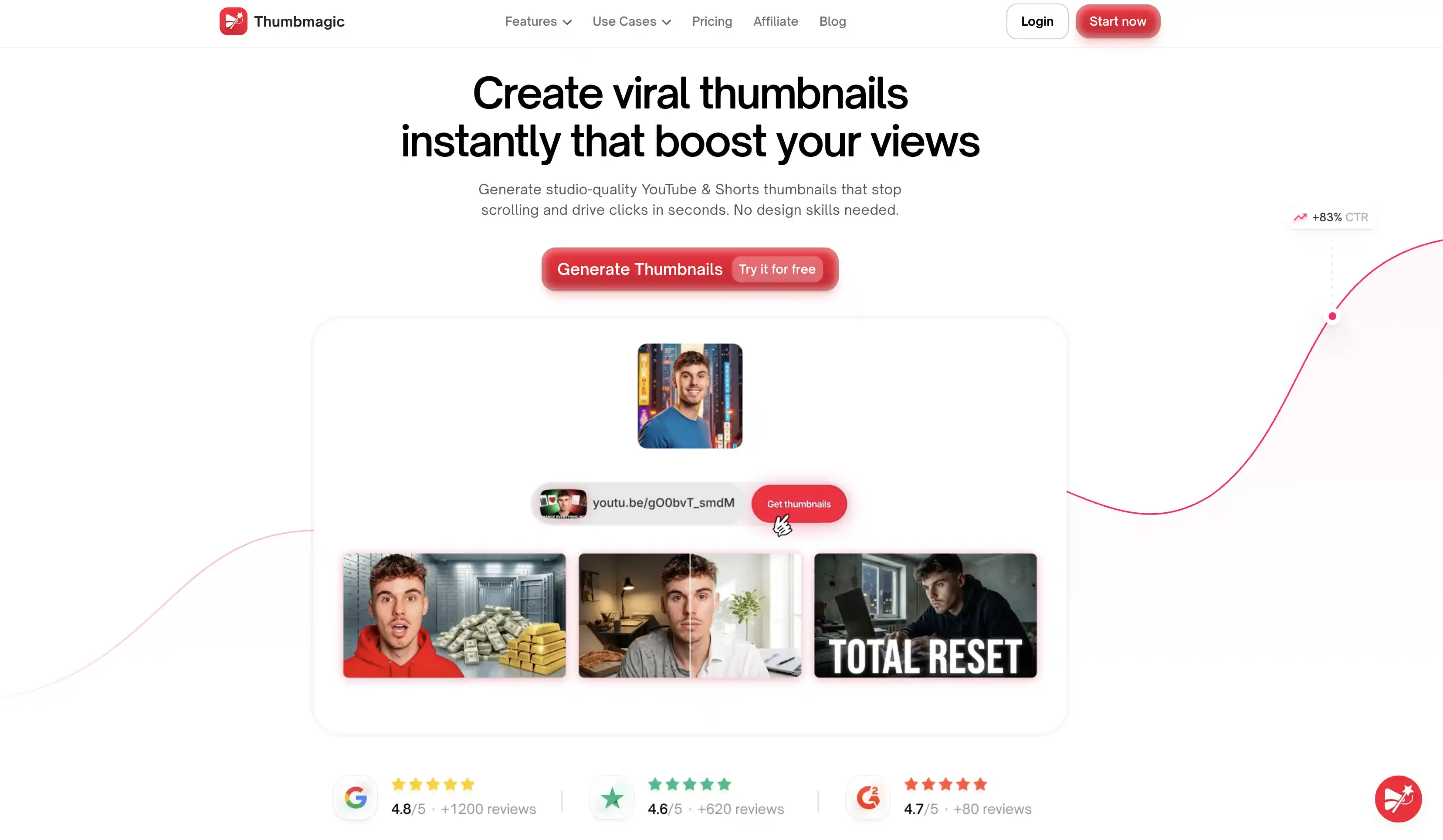
The tool uses AI to analyze your video content, extract key visual elements and emotional moments, and generate thumbnails that reflect the actual content rather than a generic prompt interpretation. An expression changer feature automatically captures and enhances facial expressions from the video, addressing one of the most documented CTR drivers. Thumbnails with expressive faces can lift CTR by 25 to 50%, and this feature removes the need to manually select or stage a facial expression for the thumbnail.
Key features:
- Video-to-thumbnail workflow: paste a YouTube URL or upload a video and the AI generates thumbnail options automatically
- Expression changer: captures and enhances facial expressions from video to improve emotional impact
- Multiple variant generation per input for direct A/B testing use
- Brand consistency engine: upload one reference thumbnail, and the AI learns and applies your fonts, colors, and visual style to future generations
- Output formats: YouTube (16:9), Shorts (9:16), TikTok, and Instagram Reels
- Built-in thumbnail editor for post-generation refinements
- First 3 generations are free with no credit card required
Pricing:
Starter plan at $17 per month when billed annually. It includes 100 dedicated thumbnail generations per month. Higher-volume plans available for agencies and teams.
Works best for: YouTube creators and channel managers publishing multiple videos per week who want a fast, specialized workflow without learning a general-purpose design tool.
Limitations:
- Template library is smaller than general design platforms like Canva
- Does not currently support uploading custom assets like logos or brand elements into the generated image
- Smaller community and fewer published third-party reviews compared to more established platforms
6. Flux (Black Forest Labs)
Flux is a family of AI image generation models developed by Black Forest Labs. It is not a consumer-facing app with a simple interface but a model that powers image generation across dozens of platforms, including Freepik, Runway, and various API services. In terms of pure image output quality, Flux.2 Pro v1.1 is rated among the top two models globally, tying with GPT Image 1.5 on the LM Arena leaderboard with an Elo score of 1,265.
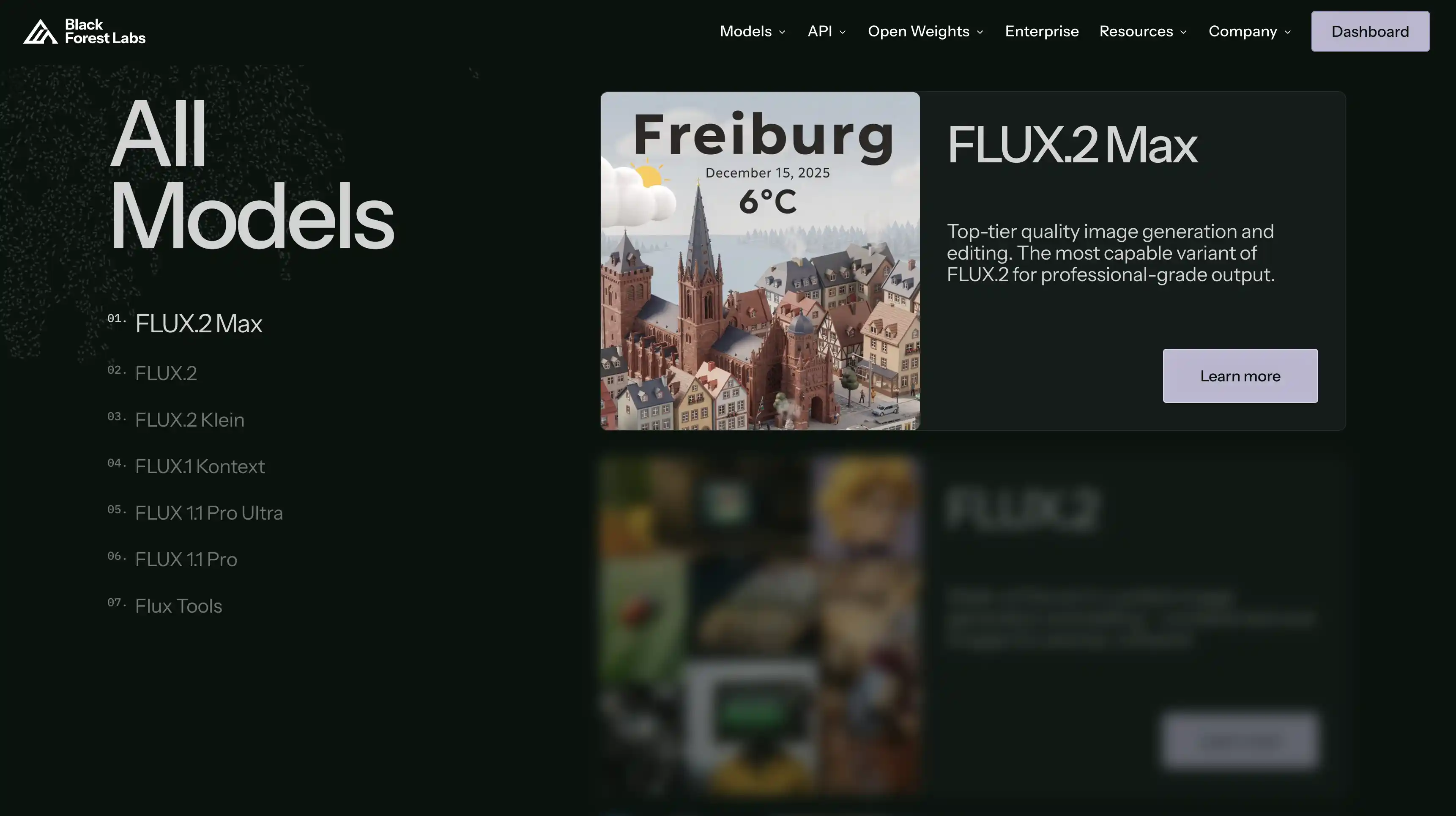
For thumbnail creation, Flux is most relevant for brands, agencies, and technical teams that need photorealistic backgrounds, product visuals, or cinematic scene generation that general-purpose thumbnail tools cannot match. Its photorealism is particularly strong for portraits and studio-quality product shots, two of the most commonly used visual formats in high-performing YouTube thumbnails.
Key features:
- Industry-leading photorealism for portraits, products, and cinematic compositions
- Multiple model tiers: Flux Schnell (fastest, lowest cost), Flux Dev (balanced), Flux Pro (highest quality)
- Flux Kontext: a specialized variant designed for image editing and contextual modifications
- API access via Black Forest Labs and third-party platforms like FAL.AI and Replicate
- Approximate pricing: Flux Schnell at $0.015 per image, Flux Dev at $0.025 per image, Flux Pro at $0.04 to $0.055 per image via FAL.AI (verify current pricing)
- Compatible with ComfyUI, Replicate, and other open-source tooling for custom workflows
Pricing: Pay-per-image via API, starting from approximately $0.015 per image for Flux Schnell. Consumer-facing platforms using Flux vary in pricing. (Verify at bfl.ai/pricing)
Works best for: Agencies, creative teams, and technically-capable brands that need the highest quality image generation for thumbnail backgrounds, product visuals, and character shots that will be composited into a final design.
Limitations:
- No consumer-facing thumbnail tool. Requires API access or a third-party platform to use.
- Outputs need significant post-processing and compositing before they are YouTube-ready.
- Text rendering is not Flux's strength. For on-image text, pair Flux with a dedicated design tool.
7. Midjourney
Midjourney is the most widely recognized AI image generator for aesthetically high-quality output. Its v7 model, which became the default in June 2025, introduced a fully rebuilt architecture with dramatically improved prompt adherence, better human rendering, and a web interface that no longer requires Discord for access. A v8 alpha launched in March 2026, adding native 2K resolution, significantly improved text rendering, and generation speeds roughly five times faster than v7.
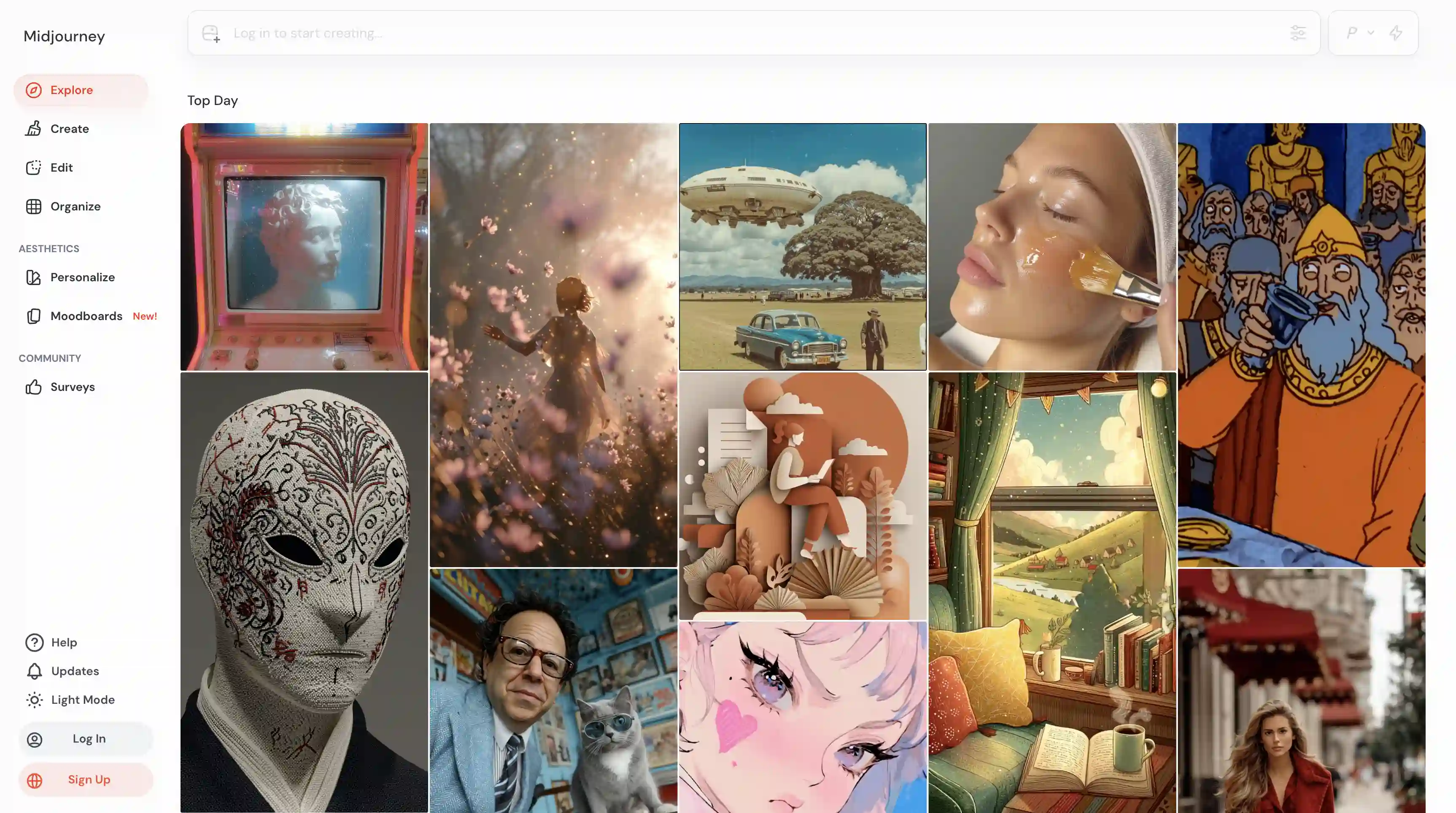
For YouTube thumbnail work, Midjourney is best used as a background and visual asset generator. Its output consistently produces cinematic, editorial-quality images with strong composition and color grading that stand out in crowded video feeds. Channels producing documentary-style, travel, tech review, or brand campaign content will find that Midjourney-generated visuals give thumbnails a distinctly premium look that template-based tools cannot replicate.
Key features:
- Best-in-class aesthetic output, particularly for cinematic, fantasy, editorial, and brand visual styles
- Midjourney v8 (alpha, March 2026): 5x faster than v7, native 2K resolution, improved text rendering
- Draft Mode in v7: 10x faster, lower cost generation for rapid prototyping of thumbnail concepts
- Personalization profiles: the model learns individual aesthetic preferences for consistent output over time
- Vary Region and outpainting tools for editing and extending generated images
- Works via a full web interface at midjourney.com, with Discord now optional
- Supports aspect ratios up to 4:1, including the 16:9 format required for YouTube thumbnails
Pricing:
Basic plan at $10 per month.
Standard plan at $30 per month (recommended for regular use, includes 15 GPU hours and unlimited Relax Mode generations).
Pro plan at $60 per month. No free tier.
Works best for: Design-forward channels, brand marketers, and creative agencies that need visually distinctive thumbnail backgrounds and are comfortable working in a prompt-based image generation environment.
Limitations:
- No free plan. A $10 minimum is required to try the tool.
- Text rendering is still unreliable for on-image text even in v8 alpha. Midjourney is a background and visual asset tool, not a complete thumbnail generator.
- Outputs must be composited in a design tool like Figma, Canva, or Photoshop before use.
- Requires time investment to learn the parameter system for consistently strong outputs.
Work With Experts for Thumbnail Design
The tools discussed above cover the full range of what is available right now, from purpose-built YouTube thumbnail generators to professional-grade AI image models. Each one speeds up a different part of the process.
But faster execution is only half the equation. The channels that consistently grow are the ones that pair these tools with a system: clear hypotheses to test, defined visual patterns to iterate on, and a process for reading the data and feeding it back into the next round of designs.
If you are running that system well, these tools will compound your results. If you are not, they will just help you produce more thumbnails faster without a clear direction.
If you want someone to handle the full picture, including thumbnail strategy, channel SEO, content planning, and distribution, GrowthOS manages end-to-end YouTube growth for brands and content teams. Book a free discovery call and bring your channel numbers. We will tell you exactly what we would do differently.

Pritesh Jagtap
Founder
Pritesh Jagtap is the founder of GrowthOS, where he helps startups and creators scale through growth systems, content, and SEO/ GEO strategies. With a background spanning growth, marketing, and operations, he’s passionate about building frameworks that drive sustainable results. Beyond GrowthOS, he experiments with creative projects, explores moutains trails and be around offline communities.

More insights
Get Growth Insights Delivered to Your Inbox
Join B2B marketers getting weekly strategy breakdowns on SEO, AI search, PPC, and YouTube—straight talk, no generic advice.
Oops! Something went wrong while submitting the form.




.svg)